 Shotfile
Get the app
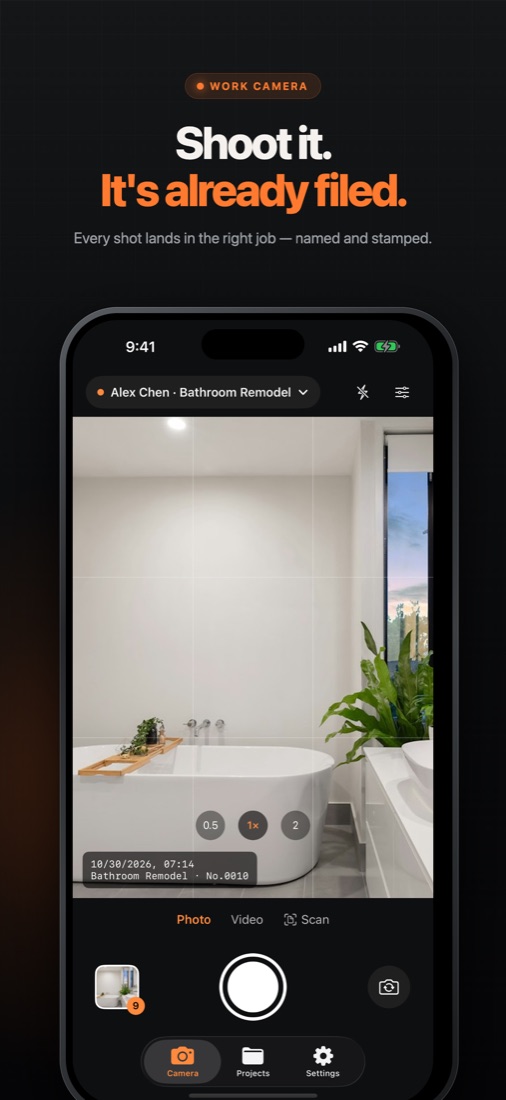
Shoot it.
It's already filed.
Every construction photo lands in the right project — named your way, stamped with date and location, and ready to send as a PDF report.
Your camera roll wasn't built for work.
Mixed with personal shots
Job photos buried between family pictures and screenshots.
IMG_4821.JPG
Hundreds of files nobody can identify once they leave your phone.
"Send me the photos"
Clients want proof, dates and a clean report — not 40 loose attachments.
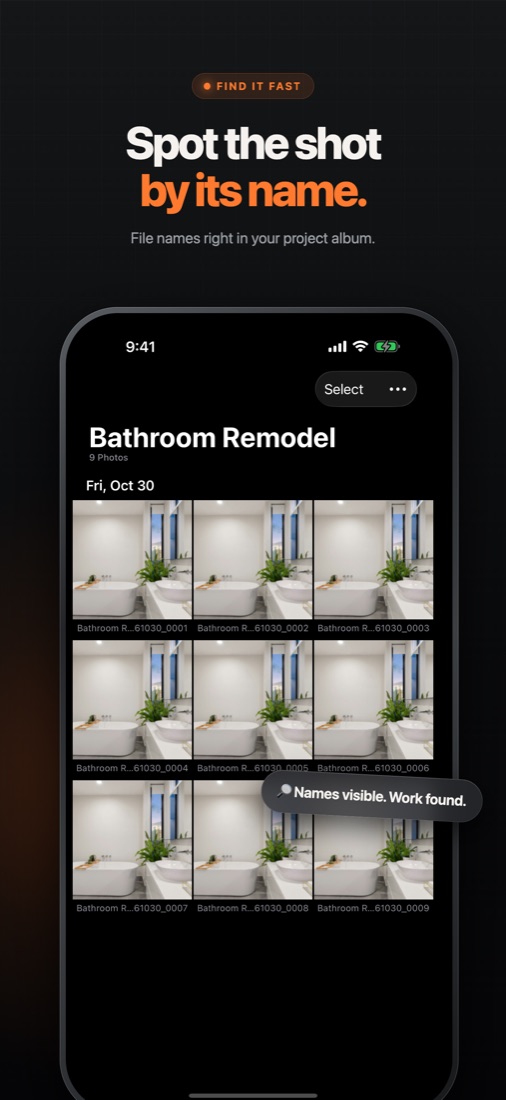
File names that make sense.
Build a naming rule from project, client, date and sequence number. Every photo is named the moment you take it — and you can rename one shot or a whole selection later.
The iPhone Photos app can't change a file name. Shotfile does it automatically.
Everything a job site photo needs.
Capture, organize and hand off — without leaving your iPhone.
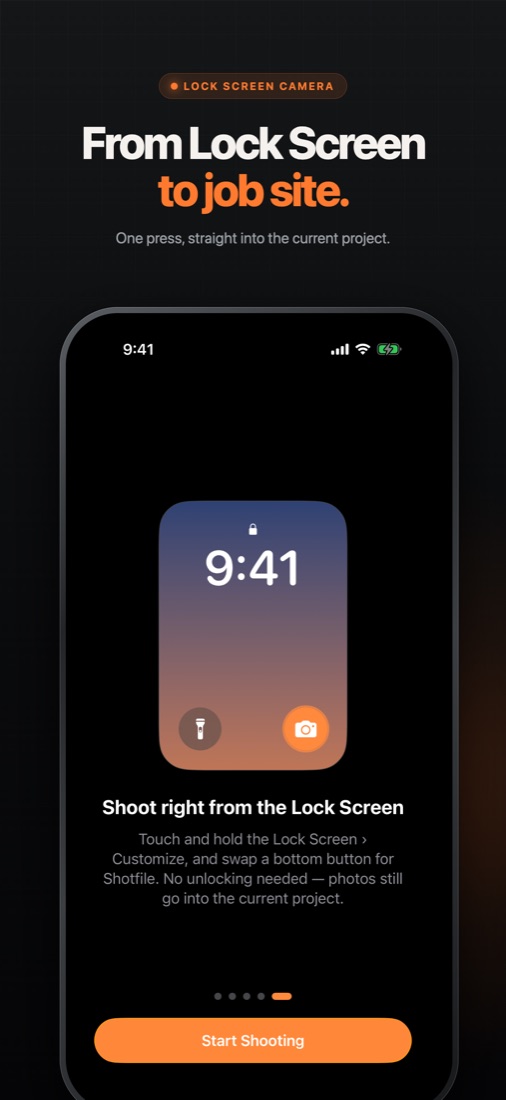
Open from the Lock Screen
One tap to the camera, straight into your current project. iOS 18 Lock Screen control and Shortcuts.
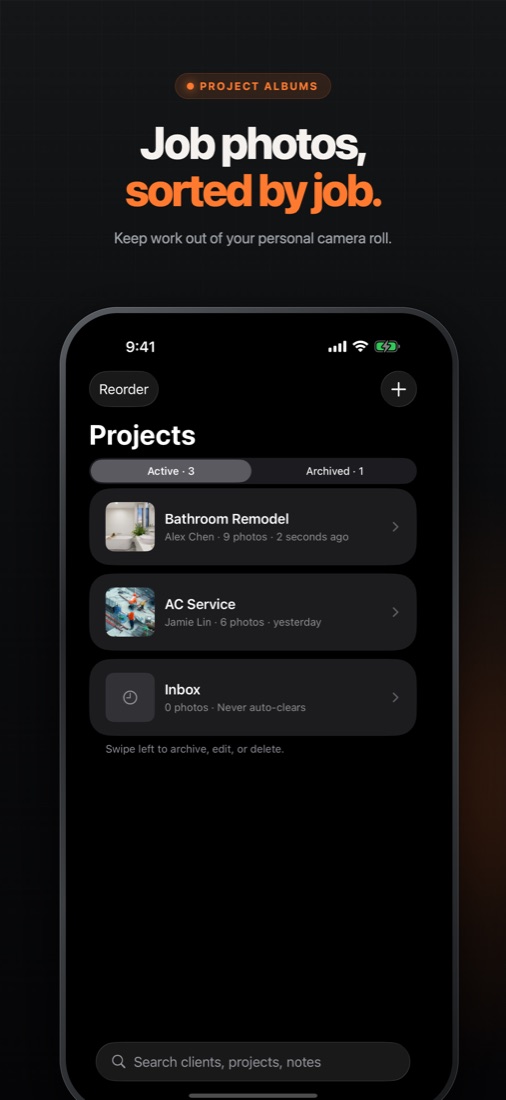
A home for every job
Project albums by client, with notes, search and archive. Kept out of your personal camera roll.
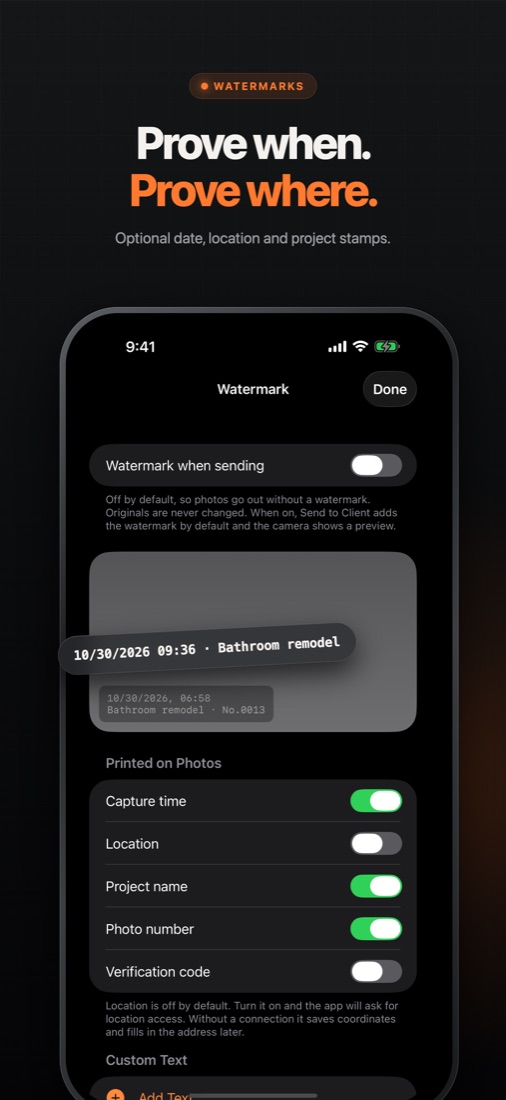
Timestamp & GPS stamps
Optional date, time, project and location watermarks on exports. Your original is always kept.
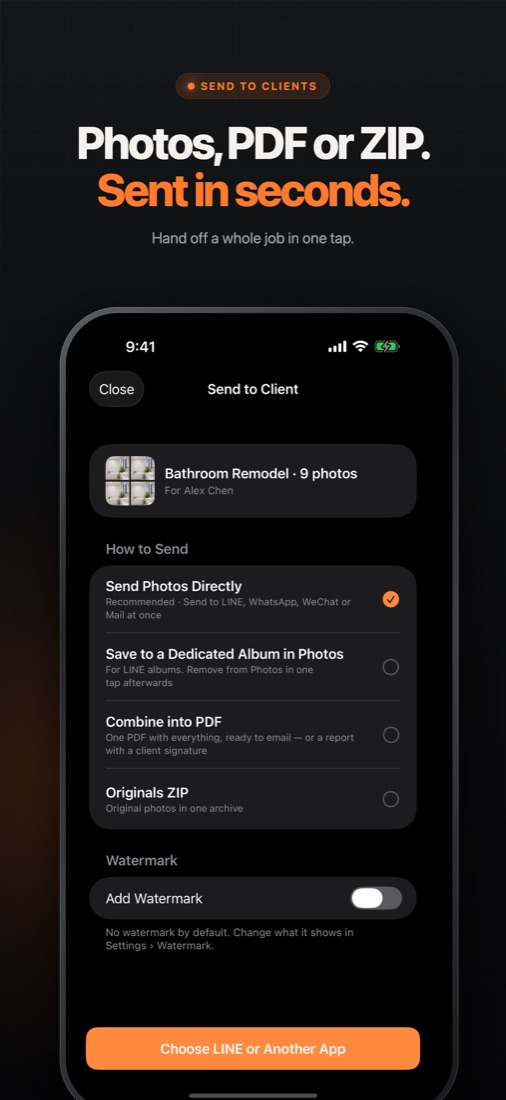
PDF photo reports
Turn a selection into a clean report with an optional signature, ready for your client.
Mark up a copy
Draw, circle and label issues on a copy while the original stays untouched.
Scan paperwork
Scan permits, invoices and checklists into multi-page PDFs next to the job photos.
Made for people who document work.
Try it. Then choose.
Your first 3 photos, videos or scans are free.
7-day free trial
7-day free trial
Pay once, no renewal
US prices. Local prices are shown in the App Store before purchase.
Questions, answered.
How do I rename photos on iPhone?
The Photos app only lets you add a caption, not change the file name. Shotfile names every photo as you take it using a rule you build from project, client, date and sequence number, and you can rename single photos or a whole selection later.
Can Shotfile add a date, time and GPS stamp to photos?
Yes. Choose optional date, time, project and location watermarks for exported photos. Location requires permission, and your original photo is always kept.
Do I need an account?
No. Shotfile works without an account and keeps your work photos on your device, separate from your personal camera roll.
How much does Shotfile cost?
Your first 3 media items are free. Shotfile Pro is US$1.99 per month or US$15.99 per year with a 7-day free trial, or US$24.99 once for lifetime access.